
Your email account is one of your most important online accounts. It is connected to your social media, banking, business accounts, cloud storage, online shopping and password resets.
If a hacker gains access to your email, they may also gain access to many other accounts.
Share this article
Why hackers target email accounts
Hackers target email accounts because emails often contain personal information, business documents, passwords, invoices and account recovery links.
An email account can be used to reset passwords for other services. This makes it a valuable target.
Signs your email may be hacked
Your email may be compromised if you see messages you did not send, your password suddenly stops working, friends receive strange emails from you, recovery details change, you notice unknown login alerts or emails are missing.
You should also check whether emails are being forwarded without your knowledge.
1. Use a strong password
Use a password that is difficult to guess. Avoid using your name, date of birth, phone number or simple words.
A strong password should be long and unique.
2. Enable two-factor authentication
Two-factor authentication makes your email account much safer. Even if someone gets your password, they still need a second verification code.
Use an authenticator app when possible.
Two-factor authentication is one of the strongest simple steps for protecting email accounts.
3. Check account recovery options
Make sure your recovery email and phone number are correct. Remove any unknown recovery details.
Hackers sometimes add their own recovery information to keep access to your account.
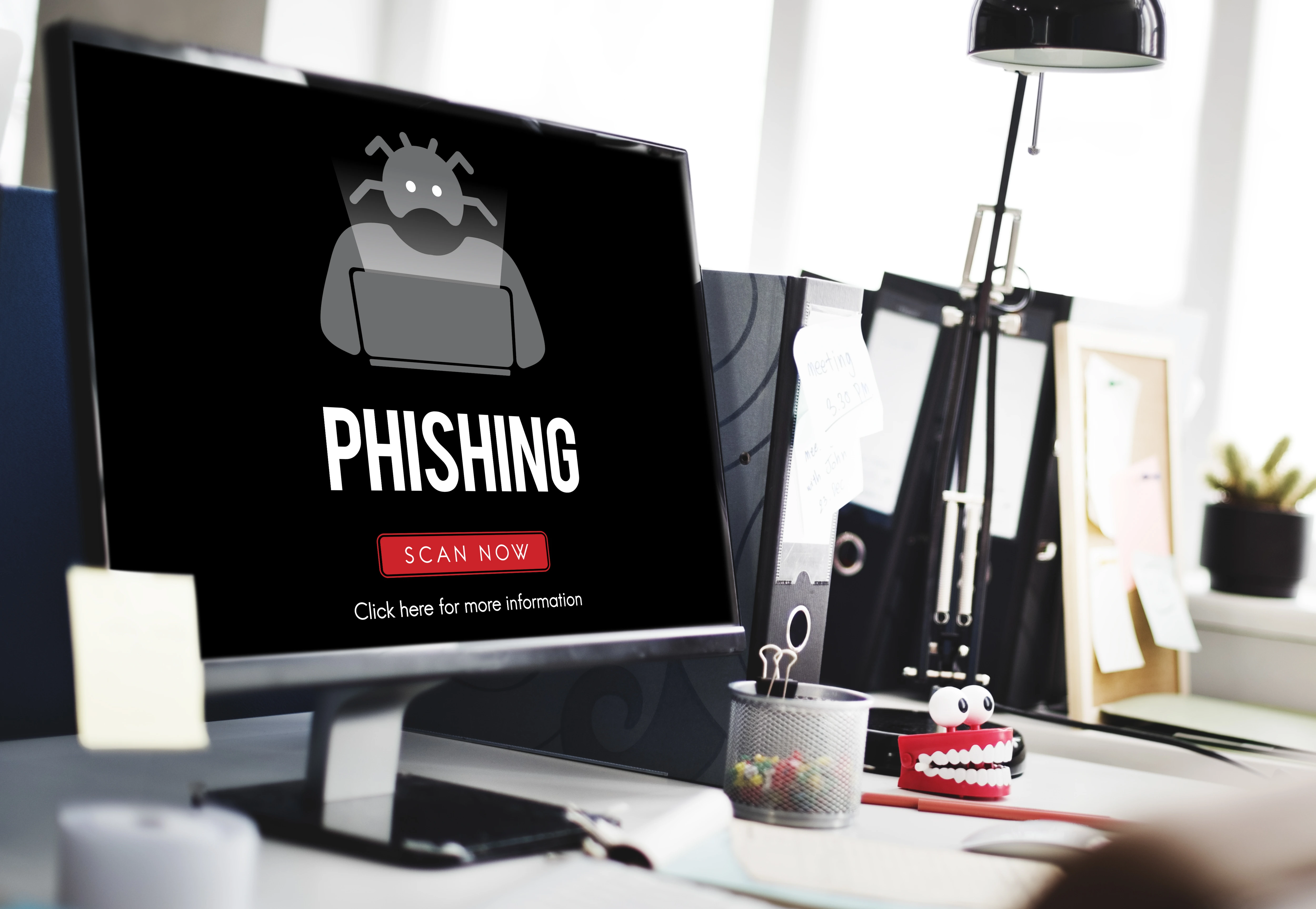
4. Avoid phishing emails
Phishing emails are fake messages designed to steal your login details.
Be careful with emails asking you to click links, verify your account or download attachments. Always check the sender address.
5. Review logged-in devices
Most email services allow you to see devices currently signed in to your account.
If you see an unknown device, sign it out immediately and change your password.
6. Keep your devices secure
Avoid logging into important email accounts on public computers. If you must, always sign out and do not save your password.
Your email is only as secure as the device you use. Use screen locks, update your apps and install security software where necessary.
What to do if your email is hacked
Change your password immediately, sign out from all devices, enable two-factor authentication, check recovery details, review email forwarding settings, inform contacts and scan your device for malware.
Conclusion
Email security is very important because your email connects to many parts of your digital life.
By using strong passwords, enabling two-factor authentication, avoiding phishing emails and checking account activity, you can protect your email from hackers.