
The internet has made life easier, but it has also created new risks. Every day, people lose money, personal information and business data because of cyberattacks.
Cybersecurity is the practice of protecting computers, phones, networks and online accounts from hackers, viruses, scams and unauthorized access. Whether you are a student, business owner, employee or casual internet user, cybersecurity is important for you.
Share this article
What Is Cybersecurity?
Cybersecurity means protecting digital systems and information from online threats. These threats can include malware, phishing emails, weak passwords, identity theft, ransomware and fake websites.
Good cybersecurity habits can help you avoid becoming a victim.
1. Phishing attacks
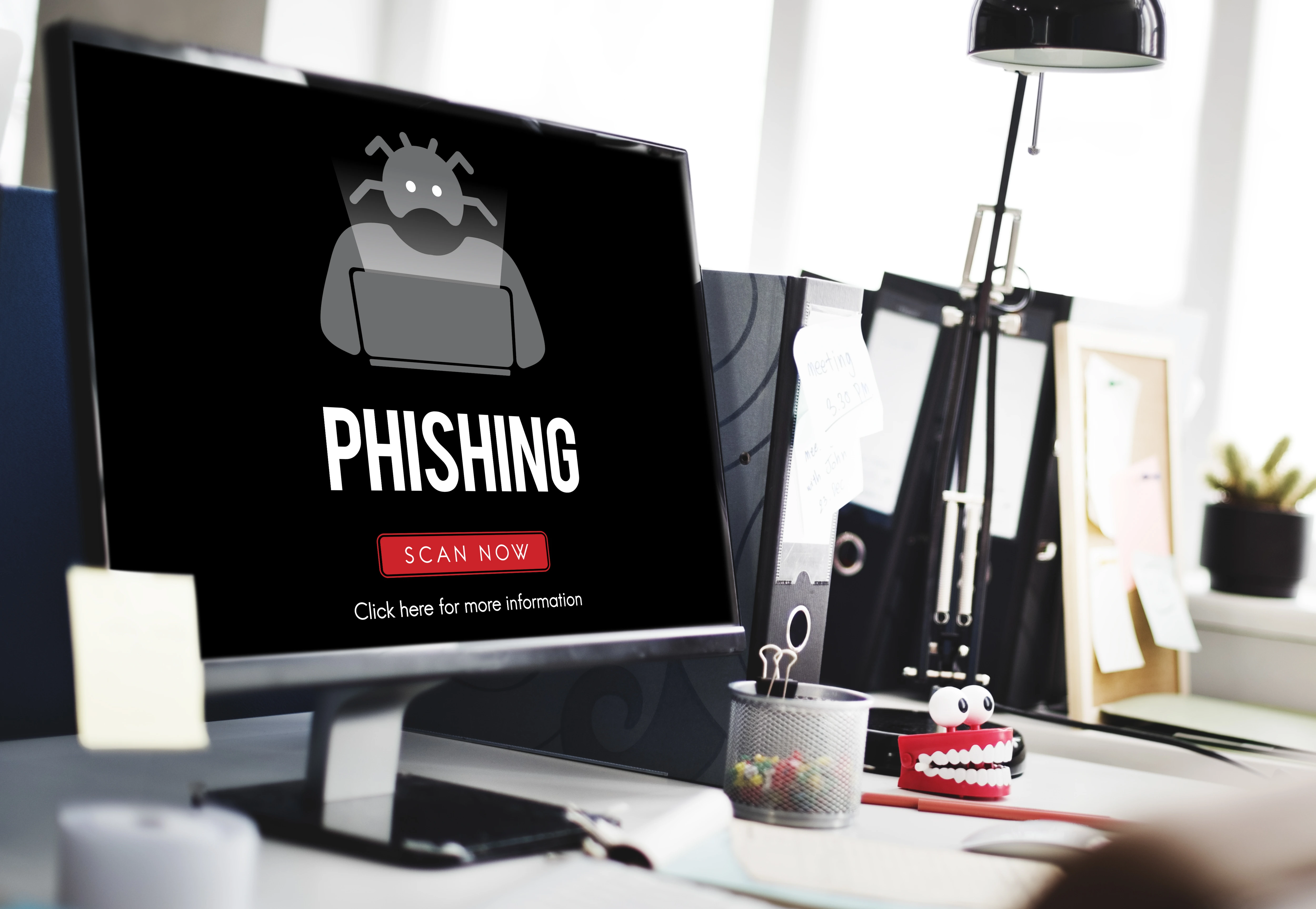
Phishing is when criminals send fake emails, messages or websites that look real. Their goal is to trick you into giving away passwords, banking details or personal information.
For example, you may receive a message that appears to come from your bank, asking you to click a link and verify your account. The link may lead to a fake website.
2. Weak passwords
Many people still use passwords like 123456, password, their phone number or their name. These passwords are easy for hackers to guess.
Using the same password on many websites is also dangerous. If one account is hacked, other accounts may be at risk.
3. Malware
Malware is harmful software designed to damage your device, steal information or spy on your activities.
Malware can come from unsafe downloads, infected email attachments, fake apps or malicious websites.
4. Public Wi-Fi risks
Free public Wi-Fi in airports, hotels, schools and restaurants can be risky. Hackers may use unsecured networks to steal login details and personal data.
How to protect yourself online
Use strong passwords that are long, unique and difficult to guess. A stronger password style could look like BlueRiver!2026Secure. Avoid using your name, birthday, phone number or simple words.
Enable two-factor authentication on important accounts such as email, banking, social media and cloud storage.
Be careful with links
Do not click suspicious links in emails, SMS messages or social media chats. Always check the sender and website address carefully.
If a message creates fear or urgency, such as "your account will be closed today", pause and verify it before taking action.
Keep your devices updated
Software updates often include security fixes. Ignoring updates can leave your phone or computer vulnerable to attacks.
Update your operating system, browser, antivirus and apps regularly.
Use antivirus protection and backups
A trusted antivirus program can help detect and remove harmful files. It is also useful for scanning downloads and blocking dangerous websites.
Backups protect you if your device is stolen, damaged or infected with ransomware. You can back up files using an external hard drive, cloud storage or both.
Cybersecurity tips for businesses
Businesses should train employees on safe internet use. They should also use secure passwords, backup company data, protect customer information and limit access to sensitive files.
A single careless click from an employee can expose an entire company to cyber threats.
Conclusion
Cybersecurity is not only for IT experts. Everyone who uses the internet needs basic cybersecurity knowledge.
By using strong passwords, enabling two-factor authentication, avoiding suspicious links, updating devices and backing up files, you can greatly reduce your risk online. Online safety starts with simple daily habits.